Low minimums from 100 boxesFree dieline & 3D mockupShips across the USA
Browse all 491+ products
Free Design HelpNot sure which box fits your product?
  • 491+products
  • 100min. order
  • Free3D mockup
Get a Free Quote support@divefa.com

Home/Design Guidelines

Design Guidelines

Follow these simple rules to prepare print-ready artwork and get perfect custom boxes every time.

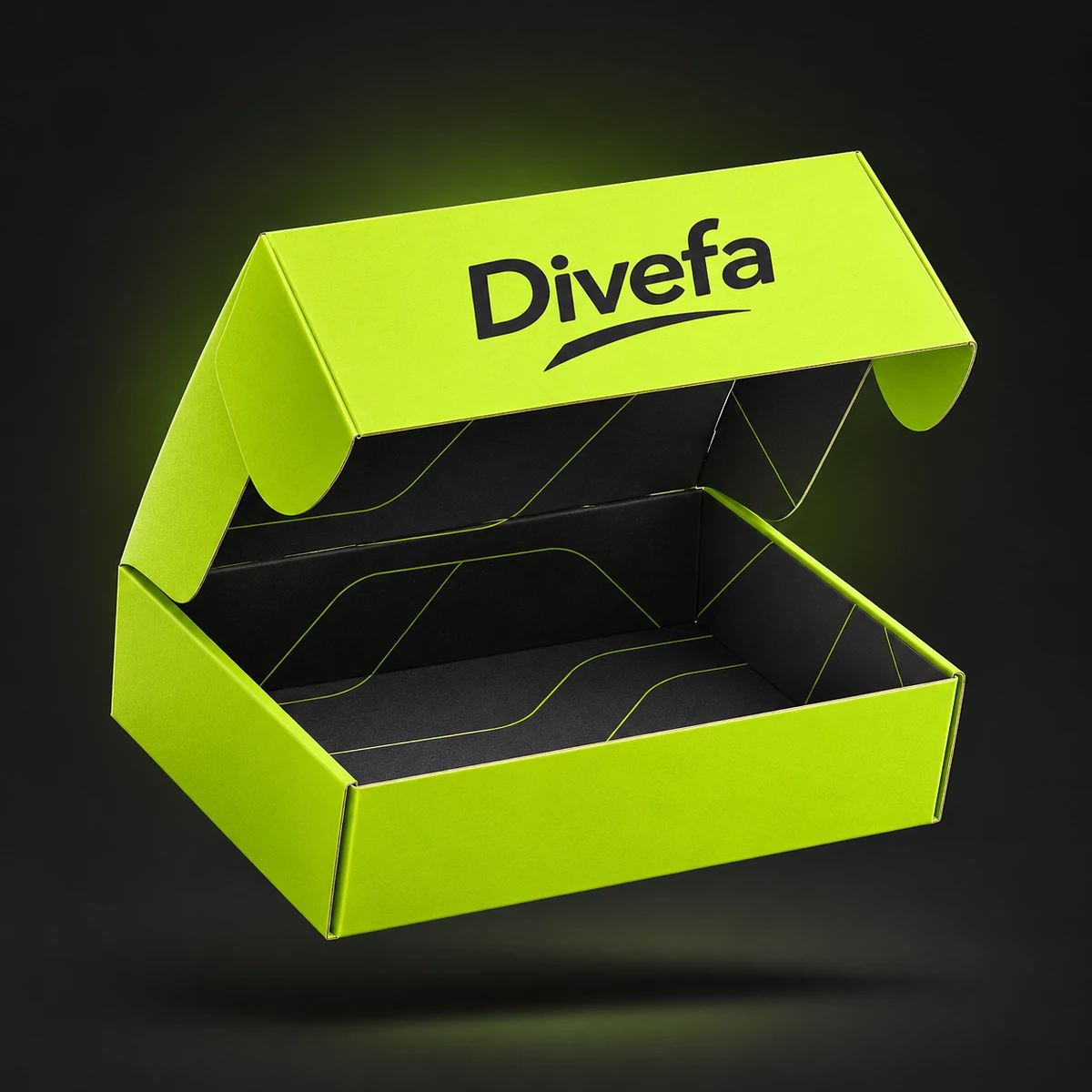
Divefa custom mailer box
Print-Ready Artwork

Prepare Your Files The Right Way

Good artwork files mean sharp printing, accurate colors and no delays. Not a designer? No problem, our team gives free design support and will check every file before printing.

File Formats

Send vector files (AI, PDF, EPS or SVG) for the sharpest print. High-resolution PNG or JPG files also work.

01

300 DPI Resolution

All images and photos should be at least 300 DPI at the actual print size to avoid blurry results.

02

CMYK Color Mode

Design in CMYK, not RGB. For exact brand colors, share your Pantone (PMS) codes.

03

Bleed: 0.125"

Extend background colors and images 0.125″ (3 mm) beyond the trim line so there are no white edges.

04

Safe Zone: 0.125"

Keep logos and text at least 0.125″ (3 mm) inside the trim and fold lines so nothing gets cut.

05

Fonts & Lines

Convert all fonts to outlines. Keep text at least 6 pt and lines at least 0.25 pt thick.

06
Understanding Dielines

Bleed, Trim & Safe Zone

Every box design is printed on a flat sheet and then cut and folded. These three lines make sure your artwork looks perfect after cutting.

Bleed line
Trim / cut line
Safe zone
Your logo & textstay inside here
Quick Checklist

Before You Send Your Files

✓ Do

✕ Don’t

Ready to Create Your
Custom Packaging?

Get a free quote today and bring your packaging idea to life with Divefa.

Range of Divefa custom printed boxes